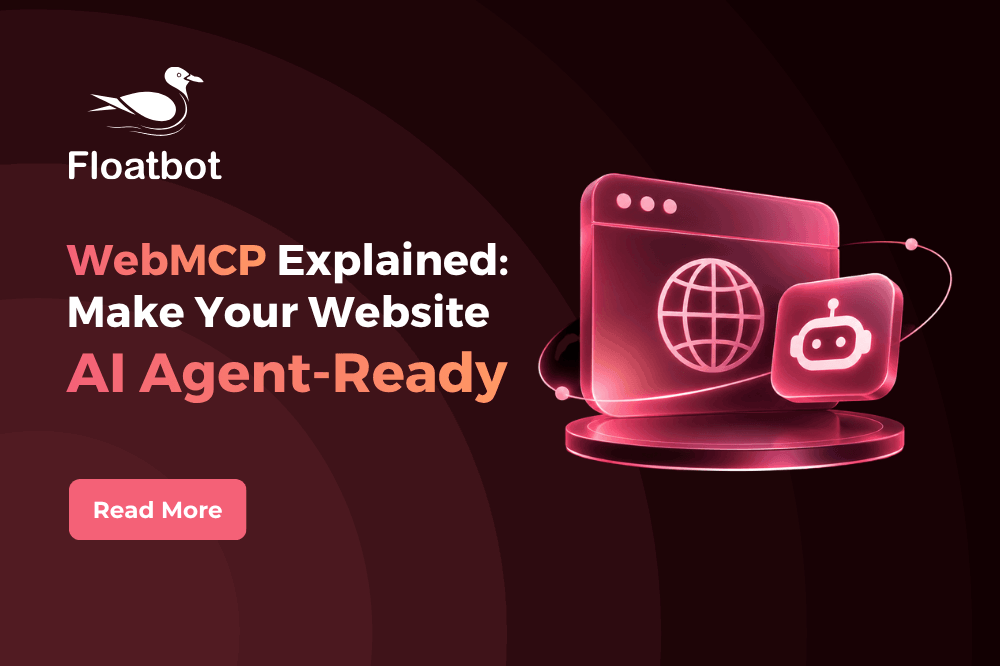
WebMCP prepares your website for AI agents by giving them the right set of tools to act on behalf of your customers.
For example, a customer asks their AI assistant to “file a claim for my car accident.” The AI agent visits the website, finds the tool for “file_claim,” fills in the details, and confirms with the customer before submitting.
It follows a structured method to make the entire process faster.
This blog gives a detailed view of WebMCP, why it matters in today’s time, examples, and how to make your website AI agent-ready the right way.
What Is WebMCP?
WebMCP is a proposed web standard that exposes structured tools to AI agents that they can call to complete tasks.
Engineers at Google and Microsoft proposed it, and it’s now being developed through the W3C’s Web Machine Learning Community Group.
When a website isn’t WebMCP-enabled, the AI agent browses the website like a human visitor.
It takes a screenshot and guesses which URL lands where, which button to click, and what each field means, making the process slower.
WebMCP removes the guesswork by giving the AI agent the set of instructions to follow. While MCP and WebMCP make it easy to work with AI, their functionalities are quite different.
Let’s see how.
WebMCP vs. MCP: The Difference
| MCP | WebMCP | |
| Where it runs | On a server | Inside the web page, in the browser |
| Setup | Requires a connection and a separate setup | Uses existing browser sessions |
| Website activity | Doesn’t need the page open to perform an activity | Needs the page open to perform an activity |
| Insurance example | AI pulls claim history from the core claims system | A policyholder’s AI agent files a claim on the insurer’s website |
MCP
MCP connects an AI application to software through a server. Once connected, it can pull live data from that software system and act inside it, such as updating a claims record.
It runs in the backend, without a browser or website involved.
WebMCP
WebMCP lets a web page list the actions an AI agent can take as tools. The agent discovers these tools when it visits the page and uses them while the customer is on the site.
When the customer leaves the page, the tools disappear.
How Does WebMCP Work?
When a customer asks an AI agent to do a particular task, the agent finds and reads the tools on your website through WebMCP and completes the action on behalf of the customer.
The catch here is that these tools exist only when your page is open. When the customer leaves the page, the agent can’t perform the action.
Without it, the AI agent takes a screenshot of your webpage, guesses the right navigation and buttons, and takes the required action.
Implementing WebMCP doesn’t require rebuilding your website or any new integration. You can add a few lines of JavaScript or a few attributes to existing HTML forms.
This code doesn’t sit on the entire website, only on the specific pages where you want AI agents to act.
You can add the tools in two ways:
Declarative API (HTML): Add attributes to an existing HTML form, such as toolname, tooldescription and toolparamdescription. A “Book a demo” form becomes a tool with almost no extra code.
Imperative API (JavaScript): Register tools in JavaScript with registerTool(). This suits more complex actions in web apps.

Why Does WebMCP Matter for Your Website?
Customers are now handing over tasks like “find car insurance for me” to AI agents. If the agents don’t find the right tools on your website, they move on to your competitors. WebMCP helps you stay relevant as more customers rely on AI agents.
Here are other ways in which WebMCP makes a difference.
Faster Interaction
WebMCP gives AI agents a structured format to complete a specific task, so they don’t hunt through your website. They follow the set of instructions mentioned in the tool, and they can complete the task on their own. Fewer guesses, faster work.
Tech brands like Google, OpenAI, Perplexity and more are investing in WebMCP, making AI agents the primary web users.
Better Control
You can fully decide what actions AI agents can take on your website. This control is most important in regulated industries, where one misstep can cost your entire reputation.
Cost-Effective
Without WebMCP, the AI agent visits the website, takes a screenshot, and analyzes the next best action. This costs time and money.
Here are a few ways regulated industries can make their websites agent-ready using WebMCP:
- Insurance: Find a policy, file a claim, and check the claim’s status.
- Banking: Check an account balance, track a loan application, and dispute a transaction.
- Collections: Check the amount due, set up a payment plan, and make a partial or full payment.
- Healthcare: Book an appointment, schedule a follow-up, and pay a bill.
Get Started with WebMCP Today
It is most likely that in the near future, AI agents will communicate with your website on behalf of a customer or a prospect.
Making your website AI agent-friendly is the next move you should focus on.
Floatbot.AI makes it possible to build that connection between your website and AI agents. Contact us today, and our team will point you to the right steps.